
How much space does Win10 need? Understanding the size and requirements
If you want to know how much space Win10 needs, that is, what the size of the Windows 10 operating system is on disk, this article is for you. Understanding this information will help you know how much space you need on your computer, whether for a new installation, an update, or general use. Among other things, we explain related topics such as changes in size, installation requirements, and tips for optimizing space.
Windows 10 base size
The Windows 10 size varies depending on the edition and configuration, but in its basic form it is installed with between 15 and 20 GB of disk space. This size is for a clean installation, not counting later updates, temporary files, extra programs, or personal data.
Find out how much space Win10 needs so it will be easy to install and keep up with pgwin.
Find out how much space Win10 needs so it will be easy to install or update, go to 888hot for more information.
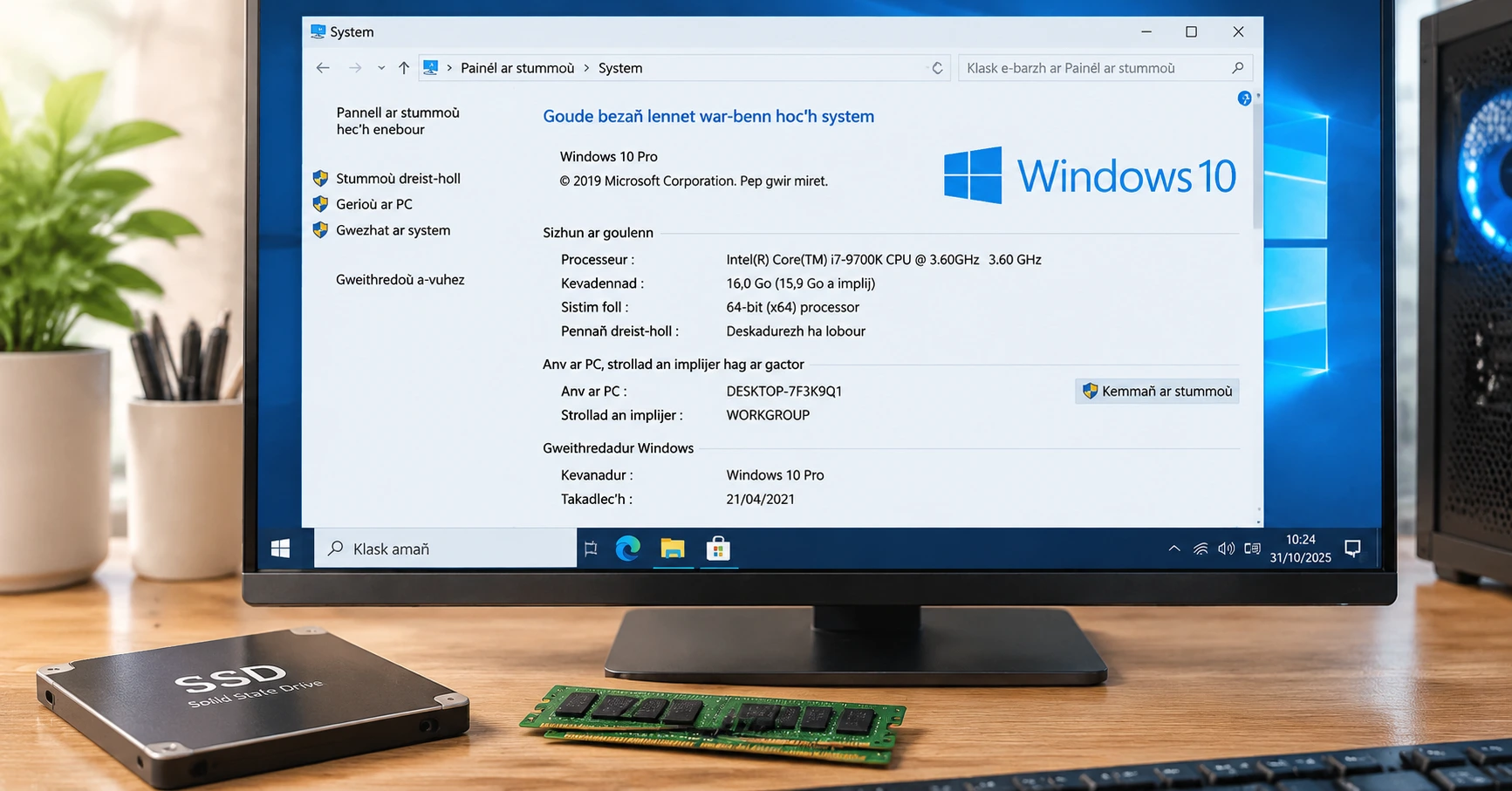
It is important to understand that the size can grow over time because of automatic updates that the system performs for security and improvements. With that, how much space Win10 needs it can be a significant issue for those looking to baixar pgwin or use pgclub to improve their use.
With the new changes, such as pgwin tiger or luar pgwin, a change in the applications and tools for Windows 10 is offered, which can also take up more space on your disk. Because of this, it is important to keep the size in mind and how these changes can use your space so that it remains efficient and faster.
Changes and reasons that increase the system size
A few reasons can change the how much space Win10 needs, such as:
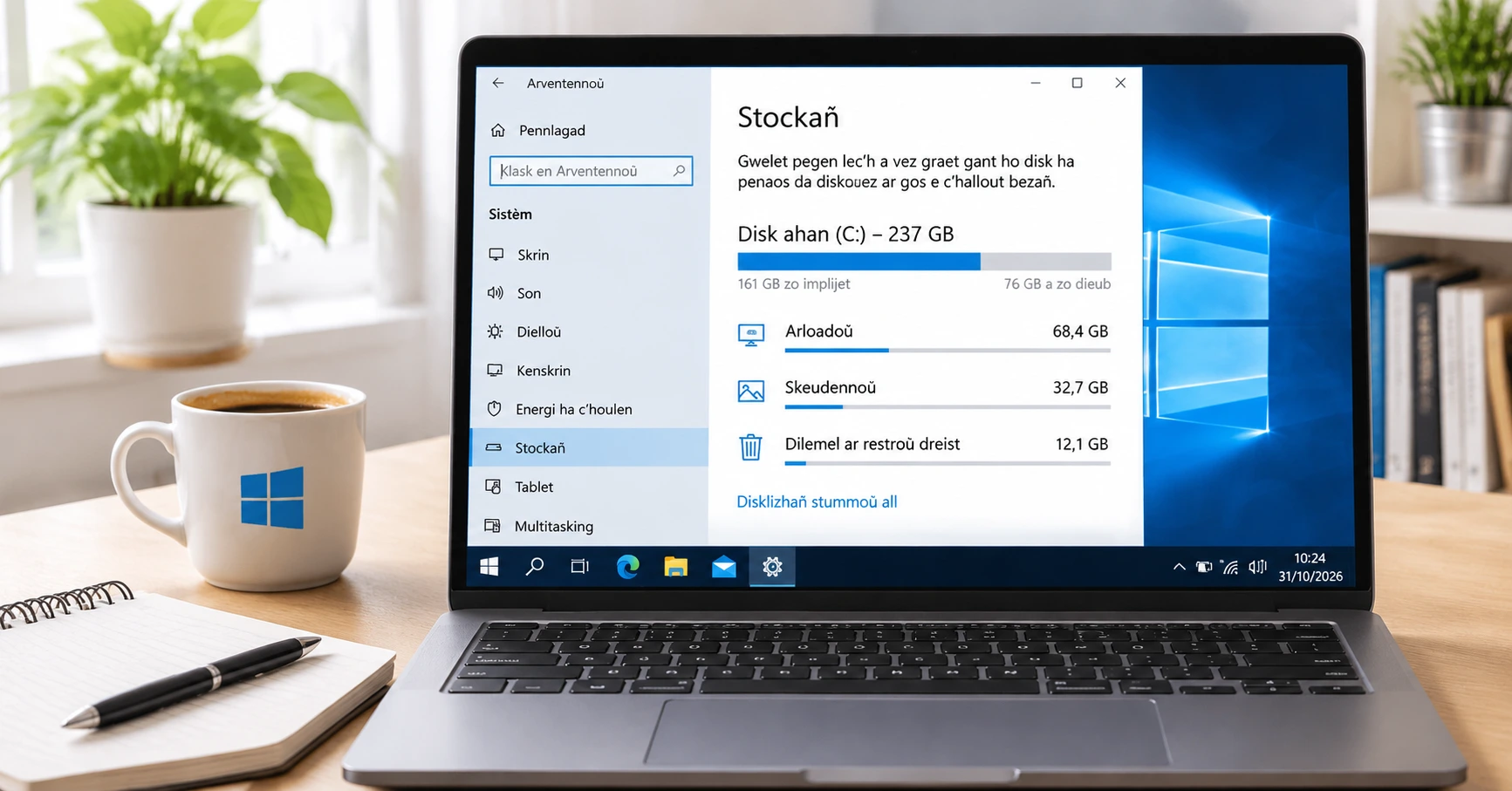
- System architecture: 32-bit versions are always smaller than 64-bit, but the difference is not very large.
- Windows requirements: Home, Pro, Enterprise, and others have different sizes because of specific features.
- Installed updates: patches and security updates increase the system size over time.
- Installed programs before: the applications and drivers in an installation that takes up extra space.
- Regional and language settings: can use the volume of the installed files.
- Use tools such as luar pgwin and pgwin tiger : these changes can also affect the use and size on your disk, since additional tools are installed to improve the system.
What is important for users who are looking for baixar pgwin or use the pgclub, is to know how the size and use can be improved to optimize the space on your computer. The new changes can affect the size, but also the services and personal data installed on your disk.
Minimum requirements for Windows 10 installation
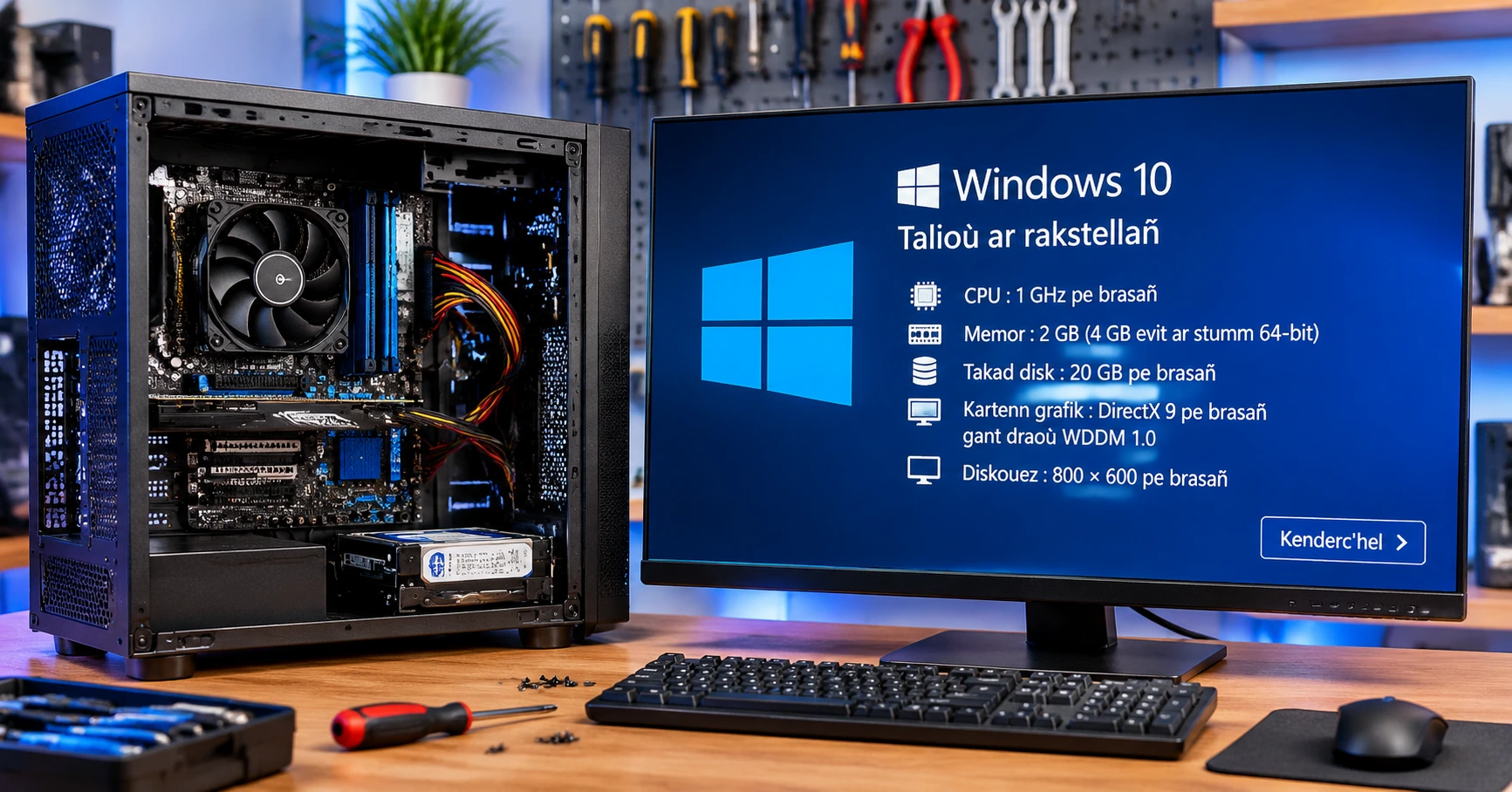
To install Windows 10, make sure your computer meets the minimum hardware and space requirements:
- Processor: 1 GHz or higher, with support for PAE, NX and SSE2.
- RAM: 1 GB for 32-bit or 2 GB for 64-bit.
- Disk space: at least 16 GB for 32-bit or 20 GB for 64-bit.
- Graphics card: a Microsoft DirectX 9 graphics card with WDDM driver.
- Screen: minimum resolution 800×600 pixels.
These requirements are basic for running the system, but to improve responsiveness and to install additional programs, it is recommended to have more free space and stronger hardware. For people who are looking for baixar pgwin and use the pgclub, it may also be useful to move to a better graphics card and more RAM for improved performance.
Knowing the real requirements will help you understand how much space Win10 needs on your disk and how you can optimize your use for new changes such as pgwin tiger and luar pgwin.
How to optimize space after installing Windows 10
After installing Win10, there are a few ways to free up space and improve system responsiveness:
- Disk cleanup: built-in tool to delete temporary files and old system files.
- Uninstall programs you are not using: the preinstalled or later-added applications can take up a lot of space.
- Manage temporary files and caches: regular cleanup to keep memory free.
- Use cloud storage: send personal data to services like OneDrive to free up local space.
- Install Storage Sense: automates the cleanup of temporary files.
- Optimize changes such as luar pgwin and pgwin tiger : by using these changes to improve responsiveness and keep disk space free.
Using the new changes can be an effective way to reduce the time used by the system and save space. For those looking for baixar pgwin and take part in the pgclub, these changes are recommended for an overall system improvement.
Mystery table of Windows versions sizes
| Windows versions | Free disk space (GB) |
|---|---|
| Windows 7 (64 bit) | 16 out of 20 |
| Windows 8.1 (64 bit) | 16 out of 24 |
| Windows 10 (64 bit) | 15 out of 20 (base), increasing with updates and changes such as pgwin tiger |
| Windows 11 (64 bit) | 20 to 25, with the new requirements |
Frequently asked questions
- How much space does Win10 need for a basic installation?
- The base is between 15 and 20 GB, but the space can increase with updates and extra programs.
- How can I optimize disk space on Windows 10?
- With disk cleanup tools, removing programs you are not using, and managing caches. Changes such as luar pgwin and pgwin tiger can also help.
- What is the pgclub and how much space does it take?
- Pg